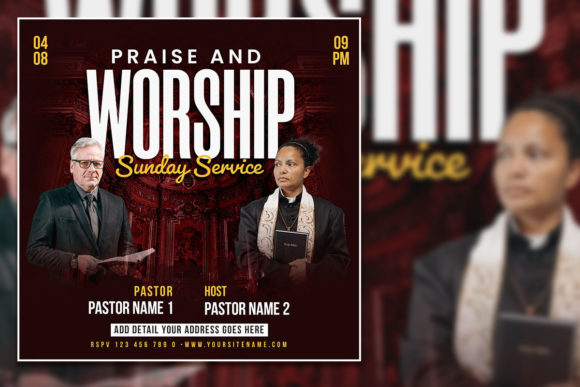
Dark Style Church Social Media Post: A Fresh Way to Reach Your Congregation Online
If you've ever tried to promote a church event, conference, or ministry initiative on social media, you know the struggle. Bright, overly cheerful designs can feel out of touch. Busy templates with too many elements confuse the message. And generic stock photos of people raising their hands in a field? They've been done a thousand times. That's where the Dark Style Church Social Media Post comes in. It's a different approach entirely—one that leans into contrast, depth, and a more grounded aesthetic that actually stands out in a crowded feed. But it's more than just a pretty design. It's a tool built for real people who need to communicate clearly, quickly, and memorably.
What Exactly Is a Dark Style Church Social Media Post?
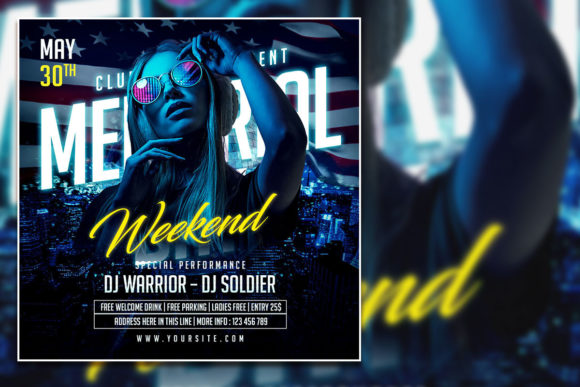
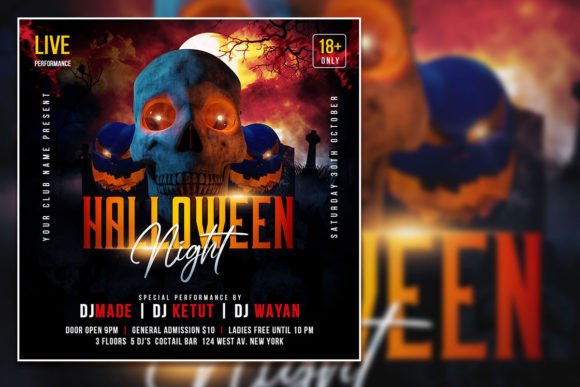
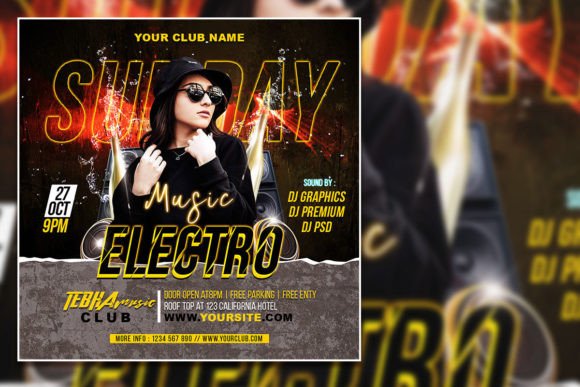
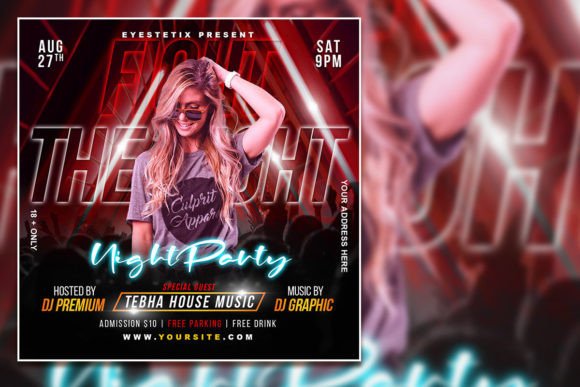
At its core, this is a Photoshop template (PSD) designed for creating square social media graphics and flyers. It measures 2000 by 2000 pixels at 300 dpi, which means it's crisp for both digital screens and print if you ever need a physical version. The color mode is RGB, optimized for screens, and every layer is organized so you can jump in and edit without hunting through a mess of unnamed folders. The dark style itself is what sets it apart—rich backgrounds, strong contrast, and a moody yet welcoming feel that works for everything from Sunday service announcements to full-blown conferences. You can swap out the placeholder photo for your own image, change the text with the text tool, and have a professional-looking post in minutes. No design degree required.
When a Dark Aesthetic Makes Sense for Church Communications
Let's be honest: most church social media posts look the same. Light backgrounds, pastel colors, and a lot of white space. That works for some contexts, but it also blends into the noise. A dark style template flips that script. It's especially useful for evening events, night services, or conferences that want to feel more intimate and focused. Think about a youth group gathering that starts after sunset, or a worship night held in a dimly lit sanctuary. The dark tones in your post echo the actual atmosphere of the event. It feels cohesive. It feels intentional.
But it's not just about matching the vibe. Dark backgrounds make text pop. If your announcement includes a bold quote, a key date, or a speaker lineup, that information becomes impossible to miss. In a world where people scroll past content in half a second, readability is everything. The dark style gives you that advantage without sacrificing elegance.
Real-World Scenarios Where This Template Shines
Imagine you're planning a weekend conference for your church. You need a series of posts—one for the speaker announcement, one for registration, and one for a countdown. With this template, you can batch them all in one sitting. Each post shares the same visual identity, so your feed looks curated and professional. Your congregation starts to recognize the look. They know it's from your church. That builds trust and engagement.
Or picture a small ministry team that doesn't have a graphic designer. Maybe it's a group of volunteers who are passionate but stretched thin. They need something that works fast. The editable PSD format means they can open the file, drop in a photo from their last event, change the text, and export. No training needed. No expensive software plugins. Adobe Photoshop is the only requirement, and most church teams already have access or use a free trial to get the job done.
Another scenario: a church plant in a urban setting. The audience is younger, diverse, and used to modern design. Light and airy templates might feel too traditional or even outdated. The dark style speaks their language. It feels more like a concert poster or a brand campaign than a bulletin announcement. That alone can change how your message is received.
Beyond Sundays: Other Uses for the Template
It's easy to think of this as a Sunday-only tool, but the applications are broader than that. Retreats, marriage seminars, outreach events, holiday services, and even fundraising campaigns can all benefit. The dark background works especially well with warm accent colors—gold, orange, deep red—which are perfect for fall or Christmas promotions. You can adjust the text and photo to match the season, and the template holds up visually every time.
Even if you're not in a church context, this template is useful. Nonprofit organizations, community groups, and even small businesses that want a more serious or reflective tone can use it. The dark style doesn't scream "religious." It whispers "important." That versatility is rare in pre-designed templates. Most force you into a specific mood. This one gives you space to define the mood yourself.
Who Actually Benefits From Using This Template?
Church communication directors gain consistency. When every post has the same dark style framework, your brand becomes recognizable. People associate that look with your church's voice and values. Volunteer social media coordinators get a tool that reduces stress. Instead of starting from scratch each week, they have a reliable starting point that only needs small updates. Pastors and ministry leaders can approve graphics faster because the design is already strong. They focus on the message, not the layout.
And then there's the audience—the people scrolling on their phones. They benefit from clarity. They see a dark, clean graphic that doesn't fight for attention. They read the text without squinting. They register the event details because the design doesn't distract. That's the goal of any church social media post: to communicate, not just decorate.
Practical Observations From Using Dark Style Templates
One thing you'll notice right away is how photos look against a dark background. A standard photo that might feel flat on white suddenly gains depth. Faces stand out. Colors feel richer. If you use a photo of your worship team or your congregation, the dark backdrop makes them the star of the graphic. That's powerful when you're trying to convey community and connection.
Text legibility is another win. Light text on a dark background is easier to read for many people, especially in low-light settings (like a bedroom at night while scrolling). This matters more than we often realize. Accessibility is a form of hospitality. When your post is easy to read, you're inviting everyone in.
What to Consider Before Downloading and Editing
Before you jump in, think about your photo choices. The template is designed to be customized, so your image matters. A low-resolution or poorly lit photo will stand out more against a dark background. Take the extra minute to select a clear, high-quality image. It doesn't have to be professional photography, but it should be sharp and well-composed. Also, consider your font choices. The template comes with organized layers, but you can swap fonts if the default doesn't match your brand. Stick to bold, clean fonts for headlines and simple sans-serifs for body text. Avoid overly decorative fonts—they tend to get lost on dark backgrounds.
Another consideration: platform specifications. The template is square (2000x2000), which works beautifully on Instagram and Facebook. But if you're posting to Twitter, LinkedIn, or YouTube, square might need cropping. Plan your posts accordingly. You can always create variations from the same PSD by adjusting the canvas size or repositioning elements.
The Strengths and Honest Limitations
The biggest strength of this template is the time it saves. You're not designing from scratch. You're customizing a proven layout. That's huge for anyone who juggles multiple responsibilities. The organized layers in the PSD make editing fast, even if you're not a Photoshop expert. The dark style itself is timeless—it doesn't follow a seasonal trend that will look dated next year.
As for limitations, the template is built for Photoshop. If you don't have access to Photoshop, you'll need to find a way to open PSDs (some free tools can, but they might not preserve all layers perfectly). Also, the dark style isn't ideal for every message. If you're promoting a bright, family-friendly picnic or a children's ministry event, a lighter template might feel more appropriate. But for anything that calls for weight, reverence, or modern edge, this is a solid choice.
Making It Your Own Without Overcomplicating It
The best part about this template is that it's editable without being fragile. You can change the photo, adjust the text, and even swap out accent colors if you know your way around adjustment layers. But you don't have to. Sometimes the simplest edit is the most effective. Just drop in your event details, pick a photo that fits, and export. That's it. You've got a professional church social media post in minutes that looks nothing like the generic templates flooding your feed. And that's the whole point—to stand out while staying true to your message.