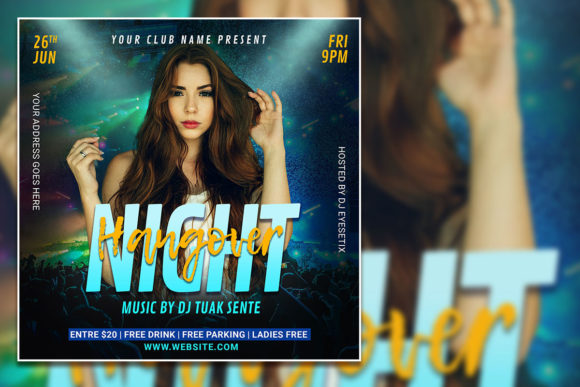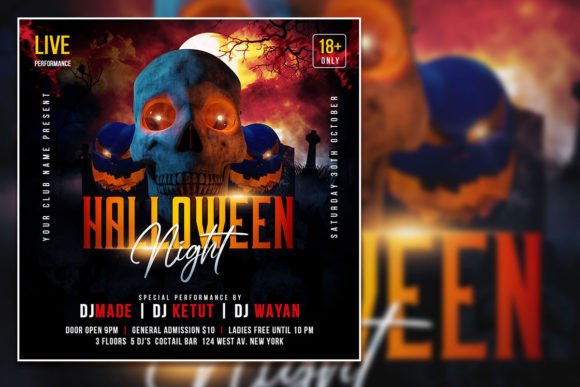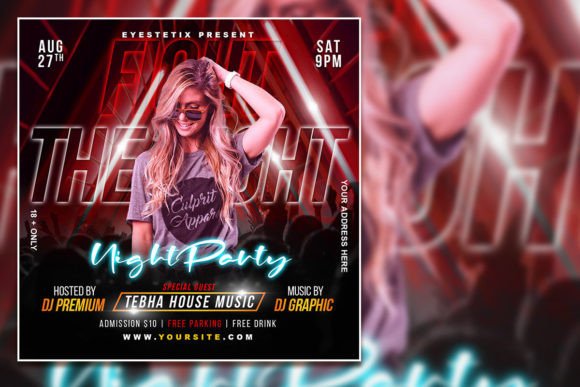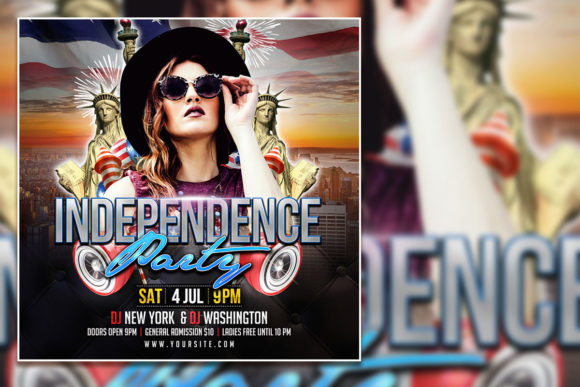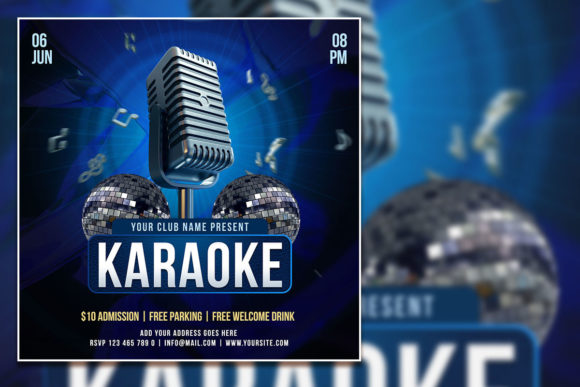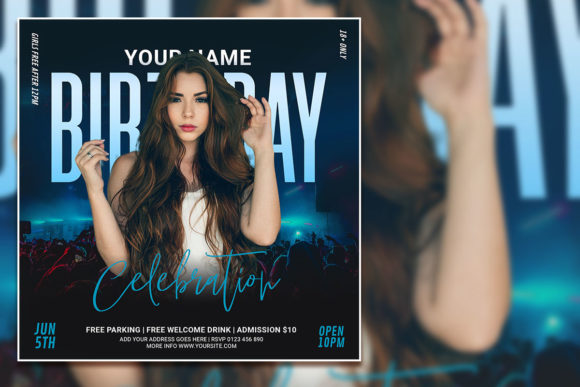
Modern Birthday Party Social Media Post
Creating a standout invitation for a birthday celebration or any special event can feel like a challenge, especially when you want something polished, personal, and easy to share online. A Modern Birthday Party Social Media Post offers a practical solution that combines professional design with effortless customization. Whether you are planning a milestone birthday, a New Year gathering, or a simple get-together, having a flexible template saves time and ensures your message looks exactly how you envision it.
At its core, this type of asset is a pre-built graphic file that you can edit and personalize. The template described here comes as a Photoshop PSD file sized at 2000 x 2000 pixels, with a resolution of 300 dpi and an RGB color mode. These specs mean the design is crisp, vibrant, and ready for both digital screens and print. Because the layers are organized, you can easily swap out text, adjust colors, or replace the placeholder photo with your own image. This level of control puts you in the driver's seat, letting you create something that feels uniquely yours without needing advanced design skills.
Why a Customizable Flyer Template Makes Sense
Many people assume that creating a professional-looking social media post or party flyer requires hiring a designer or learning complex software from scratch. That assumption often leads to unnecessary stress or settling for generic, overused templates that lack personality. A modern editable template flips that narrative by giving you a high-quality starting point. You get the structure and visual appeal of a professionally designed piece, but you retain the freedom to tailor every detail to your specific event.
For busy adults juggling work, family, and social commitments, convenience matters. Instead of wrestling with blank canvases or struggling with design principles like balance and color theory, you open a file that already works. Your focus shifts to the fun part: personalizing the message, picking a photo that captures the mood, and ensuring the details are accurate. This approach supports a wide range of goals, from promoting a small birthday dinner to announcing a larger celebration with multiple guests.
The value also lies in consistency. A modern birthday party social media post helps you maintain a cohesive look across platforms. Whether you share it on Instagram, Facebook, or even as a printed flyer, the design remains sharp and recognizable. For small business owners, bloggers, or freelancers who host events as part of their brand, this consistency builds trust and recognition with their audience.
Practical Benefits of an Editable PSD Template
One of the standout features of a PSD template is the organized layer structure. Layers separate different elements of the design, such as the background, text, images, and decorative graphics. This organization makes editing intuitive. If you want to change the font, you simply select the text layer with the text tool and type your own words. No need to recreate the wheel or worry about disrupting the layout.
The 300 dpi resolution ensures that if you decide to print the flyer, the image will be clear and professional. Many digital-only designs use 72 dpi, which looks fine on a screen but can appear pixelated when printed. Because this template supports both uses, you have the flexibility to go digital or physical without compromise. The square 1:1 aspect ratio (2000 x 2000 pixels) is also ideal for social media platforms like Instagram, where square posts remain popular and visually balanced.
Another benefit is the ability to replace the photo. Using a personal image adds a layer of authenticity that stock photos simply cannot match. A picture of the birthday person, a group of friends, or a themed decoration instantly makes the invitation feel more genuine and connected to the event. For a New Year celebration, you might use a photo of the venue or a festive shot from a previous gathering. The template becomes a canvas that reflects your specific moment.
Who Benefits Most from This Type of Template
The audience for a modern party flyer is broader than you might expect. Casual users who want a simple, attractive invitation without hassle find these templates approachable. Creators and hobbyists enjoy the creative outlet of customizing colors and fonts to match their personal style. Entrepreneurs and small business owners use them to promote customer appreciation events, product launches, or seasonal gatherings. Marketers and bloggers rely on consistent visuals to engage their followers and drive attendance. Freelancers and educators often need quick, professional materials for workshops, webinars, or community events.
Even if you have never used Photoshop before, the process is straightforward. Open the PSD file in Adobe Photoshop, and you are greeted with clearly labeled layers. Select the text layer, highlight the existing words, and type your replacement. If you want to change the photo, there is usually a smart object or a dedicated layer for the image. Double-click that layer, insert your picture, save, and the template updates automatically. This workflow removes the intimidation factor and lets you focus on the message.
Realistic Use Cases for a Party Flyer Template
Imagine you are planning a 40th birthday party for a close friend. You want something modern, but you do not have time to design from scratch. You open the template, replace the placeholder text with the date, time, location, and RSVP details. You drop in a candid photo of the guest of honor. Within ten minutes, you have a polished social media post ready to share. You can also print a few copies to hang at the office or in your neighborhood.
For a New Year celebration, the same template works beautifully. Swap the photo for a festive image, adjust the color scheme to match gold or silver tones, and update the text to reflect the theme. Because the template is described as suitable for "whatever you want," it is not locked into a single occasion. That versatility means you can reuse it for multiple events throughout the year, changing only the details and images.
Small business owners hosting a customer appreciation night can use the template to create a unified promotional graphic. Pair it with a matching story post or a printed sign at the venue. The consistent branding reinforces your professional image without requiring a full design department. For educators organizing a class reunion or a school fundraiser, the template simplifies communication and makes the event feel special.
Things to Consider Before Choosing a Template
While the benefits are clear, there are a few practical considerations to keep in mind. First, ensure you have access to Adobe Photoshop. The file format is PSD, so you need the software to edit it. If you do not own Photoshop, some free alternatives may struggle with layer effects or smart objects. If you are committed to using the template, having the right tool is essential.
Second, think about the font choices. The template includes text that you can edit, but if you want to use a specific font that is not installed on your computer, you may need to download it first. The instructions note that you can change the font by selecting the text layer and replacing the text. That also means you can choose any font you own. Take a moment to confirm that your preferred fonts are available or that you are happy with the ones included.
Third, consider the photo quality. The template is designed to look best with a high-resolution image. If you use a blurry or low-quality photo, the result may not match the polished feel of the rest of the design. Take a clear, well-lit photo that fits the mood of your event. This small step makes a significant difference in the final outcome.
Fourth, plan your message. Because the template is editable, you have the freedom to write exactly what you need. Think about the key information: event name, date, time, location, RSVP details, and any special instructions. Keep the text concise so the design remains balanced. Overloading the flyer with too many words can make it look cluttered, even if the layout is modern.
Getting the Most Out of Your Editable Flyer
To maximize the template's potential, start by exploring the layer panel. Familiarize yourself with which layers control the background, text, and images. Make a small change, adjust a color, or move an element slightly to see how the template responds. This hands-on exploration builds confidence and helps you understand the flexibility available.
Consider creating multiple variations of the same design. For example, make one version for your social media feed and another for a printed poster. Because the file is layered, you can duplicate it and experiment with different photos or color schemes without losing your original work. This approach lets you tailor the invitation for different platforms or audiences.
Sharing the finished post is straightforward. Export the file as a high-quality JPEG or PNG from Photoshop. For social media, a square 2000x2000 pixel image looks great on Instagram and Facebook. If you need a version for stories, you might crop it to a vertical aspect ratio, though the original square works well for most use cases.
A Note on the Creative Process
Using a template does not mean sacrificing creativity. Think of it as a collaborative starting point. The designer provides the structure, color palette, and typography choices that set a modern tone. You bring the personal touches: the photo, the specific wording, and the emotional connection to the event. Together, these elements create something that feels both professional and deeply personal.
For those who enjoy the design process, the template can also serve as a learning tool. By examining how the layers are organized, how effects are applied, and how text interacts with the background, you pick up techniques that you can apply to future projects. Over time, you might find yourself customizing the template more boldly, adjusting colors, adding graphics, or integrating it with other design assets you have created.
Final Thoughts on Modern Birthday Party Social Media Posts
A modern birthday party social media post offers a practical, flexible, and visually appealing way to share your event with the world. Whether you are a complete beginner or a seasoned creator, the ability to edit every text element, swap out the photo, and adjust the design to suit your needs makes it a valuable resource. The template described here provides a solid foundation with professional specs, organized layers, and instant download convenience.
The next time you plan a birthday, a New Year celebration, or any gathering that deserves a memorable announcement, consider using an editable party flyer template. It saves time, reduces stress, and delivers a result that looks like you spent hours perfecting it. With a few clicks and your personal touch, you have a polished invitation that is ready to share, print, and enjoy. That combination of ease and quality is hard to beat, and it is exactly what makes modern templates such a smart choice for anyone looking to celebrate well.